Quick Start Sight-In Method
This document details the Quick Start sight-in method. This method is the quickest and easiest way to get started with Precision Cut Archery.
The Data We Need
Density Altitude
Read more about density altitude here.
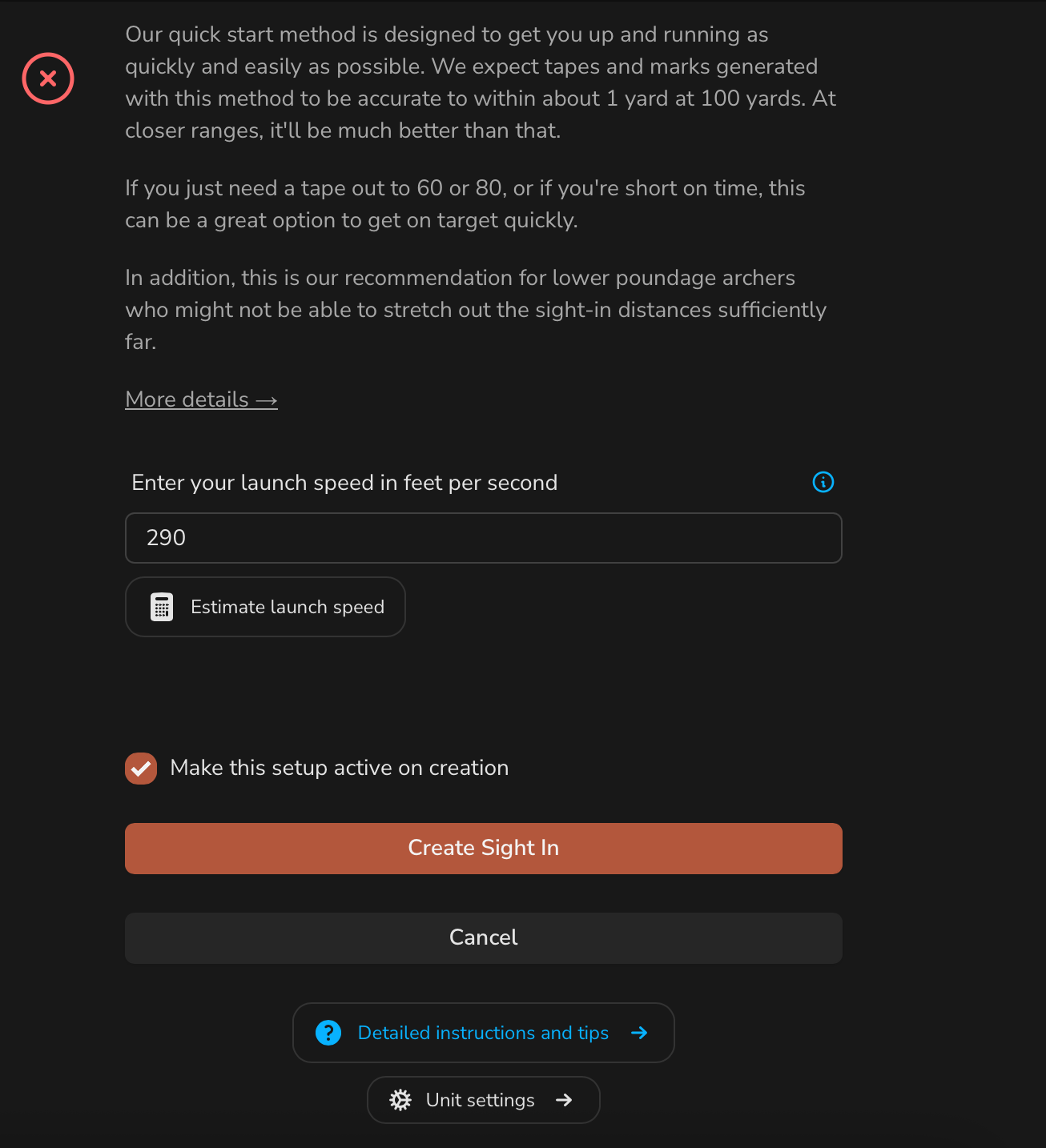
Arrow Launch Speed
This is simply the speed of your arrow out of the bow. This is best measured with a quality chronograph (see our chronograph guide). If you don't have a chronograph, we recommend visiting your local pro shop to have your arrow speed measured.
Reference Mark (optional)
If you are shooting a 'target sight' that has a built in reference scale / click system, you can choose to enter a reference mark for a distance of your choosing. You can think of this like a 'zero' that we use to calculate marks for other distances. This shot-in reference mark should be at a reasonably far distance to minimize error.
Entering the Data
Here's what it looks like to configure a setup with the Quick Start sight-in method:
Validating the Sight-In
Once you've entered your data, the easiest way to validate is to print out a sight tape or mark sheet and shoot it in at the range. With the quick start method, you can always slightly tweak your speed to get the marks closer. Or, you can switch to one of the other sight-in methods.
Tip
When putting a fresh tape on your sight, we always recommend 'zeroing' your tape as far as possible.
For example - get your bow hitting perfectly at 60 yards. Then, put the tape on your sight so your indicator points to 60 exactly. Then, you know 60 in reality is 60 on the tape. Then, work your way in and out from there to validate the other ranges.
If you set your tape and indicator at 20 or 30 and then work your way out, there's a high likelihood that there's some error in this closer mark that will show up as you move to father distances.
Fine Tuning the Quick Start Method
If you're close but not quite there with the Quick Start method, you can always slightly adjust your arrow speed to get the marks closer. This is a great way to get a sight tape that's 'close enough' without having to go through the full sight-in process.
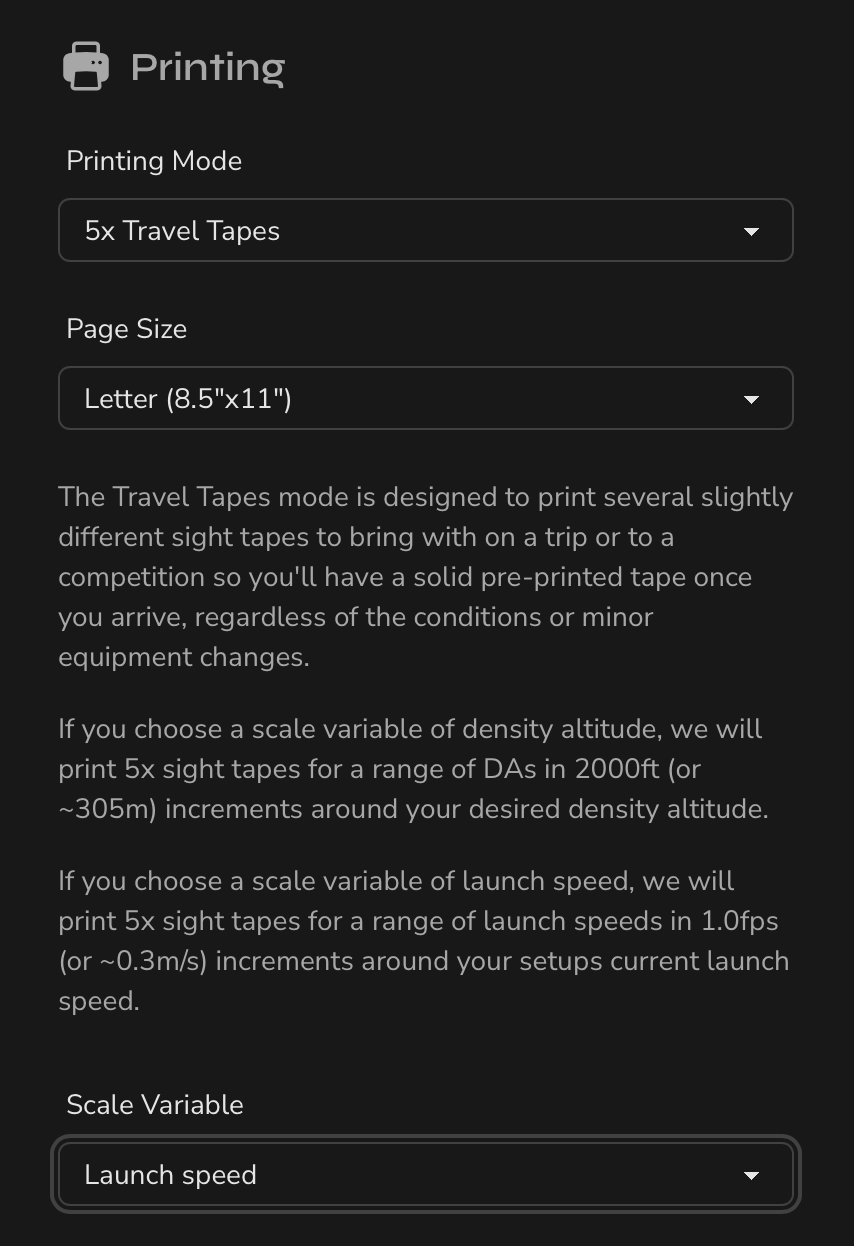
Use the Travel Tapes printing mode to print a set of tapes in 1.0fps increments to get a few different tapes to try out. If you find a good match, update the speed under your setup's sight-in.
Note
This is only a valid approach for fine tuning the Quick Start method's launch speeds. Other sight-in methods have additional variables that need to be considered!