# Getting Started
Welcome to Precision Cut Archery, ballistics software built specifically for archers.
As with other ballistics programs, you’ll start by setting up your gear in the application.
Don’t worry, it only takes a few minutes!
We’ve made the process simple and broken it into three easy steps.
---
## Tools and Equipment
These tools make it easier to measure and record your setup accurately. Don’t worry, you don’t need all of them to get started!
- Tape measure (measure your bow)
- Draw board (hold your bow at full draw for accurate measurements)
- Arrow scale (measure your arrow’s total weight)
- Chronograph (measure your arrow's speed. See our [chronograph guide](/documentation/tutorials-and-guides/feature-walkthroughs/chronographs/))
- Calipers (precise sight mark measurements)
> **Tip**
>
> Don’t worry if you don’t have everything on hand! Most of these are optional.
>
> - **No draw board?** Ask a friend to help measure your bow.
> - **No chronograph?** Use our [EchoChrono](/documentation/tutorials-and-guides/feature-walkthroughs/echochrono/) feature to turn your phone into a chronograph.
---
## Step 1: Add Your Bow
We only need a couple of simple measurements!
[Show me how →](/documentation/tutorials-and-guides/add-bow/)
## Step 2: Add Your Arrow
All we need from your arrow is your total arrow weight.
[Show me how →](/documentation/tutorials-and-guides/add-arrow/)
## Step 3: Sight-In Your Setup
We have several sight-in methods to choose from. Click the link below for more details.
[Show me how →](/documentation/tutorials-and-guides/sight-in/)
## You're all set!
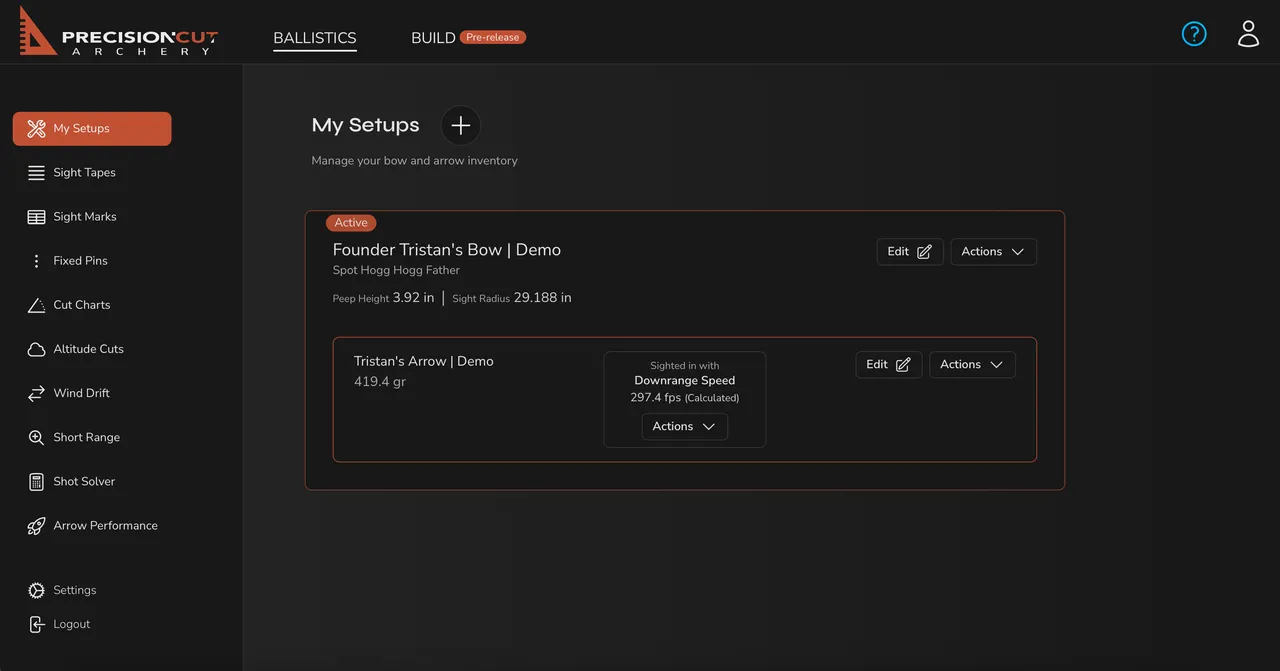
Here's what a completed setup looks like:
> **Tip**
>
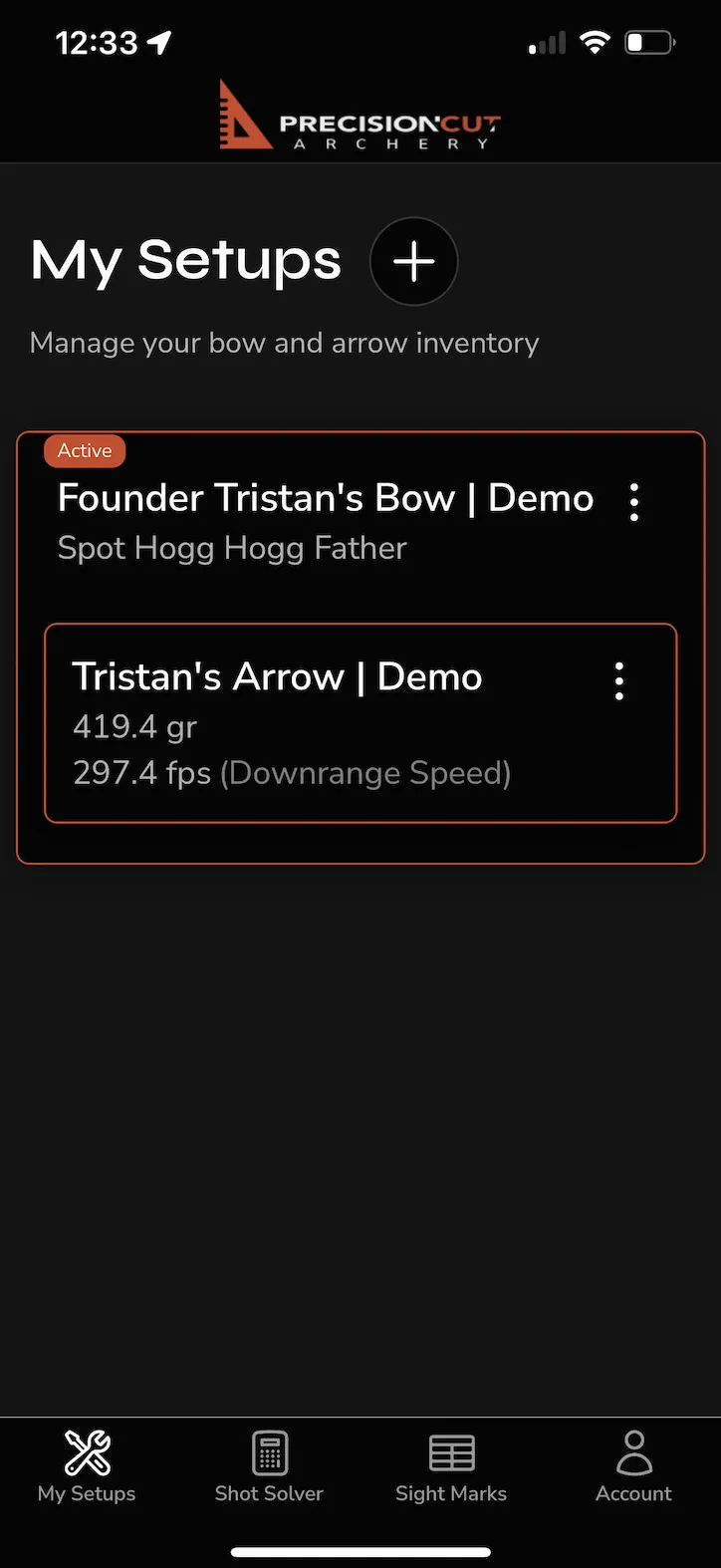
> This setup will sync right to our mobile app, and vice versa! Simply download the app and login!
>
> 
---
## Next Steps
Ready to get started? Check these out:
- [Print a sight tape](/documentation/tutorials-and-guides/feature-walkthroughs/sight-tape/)
- [Calculate sight marks](/documentation/tutorials-and-guides/feature-walkthroughs/sight-marks/)
- [Set your fixed pins](/documentation/tutorials-and-guides/feature-walkthroughs/fixed-pins/)
- [Calculate short-range marks](/documentation/tutorials-and-guides/feature-walkthroughs/short-range/)
- [Adjust for changes in air density](/documentation/tutorials-and-guides/feature-walkthroughs/density-altitude/)